Repository navigation
Dashboard
The dashboard of the open contracting portal gives an option to download the entire data in different formats (json or csv), as well as uploading the company details and the blacklisted contractors. It also provides useful statistics of import data status and server status. The dashboard can be accessed by authorized person only.
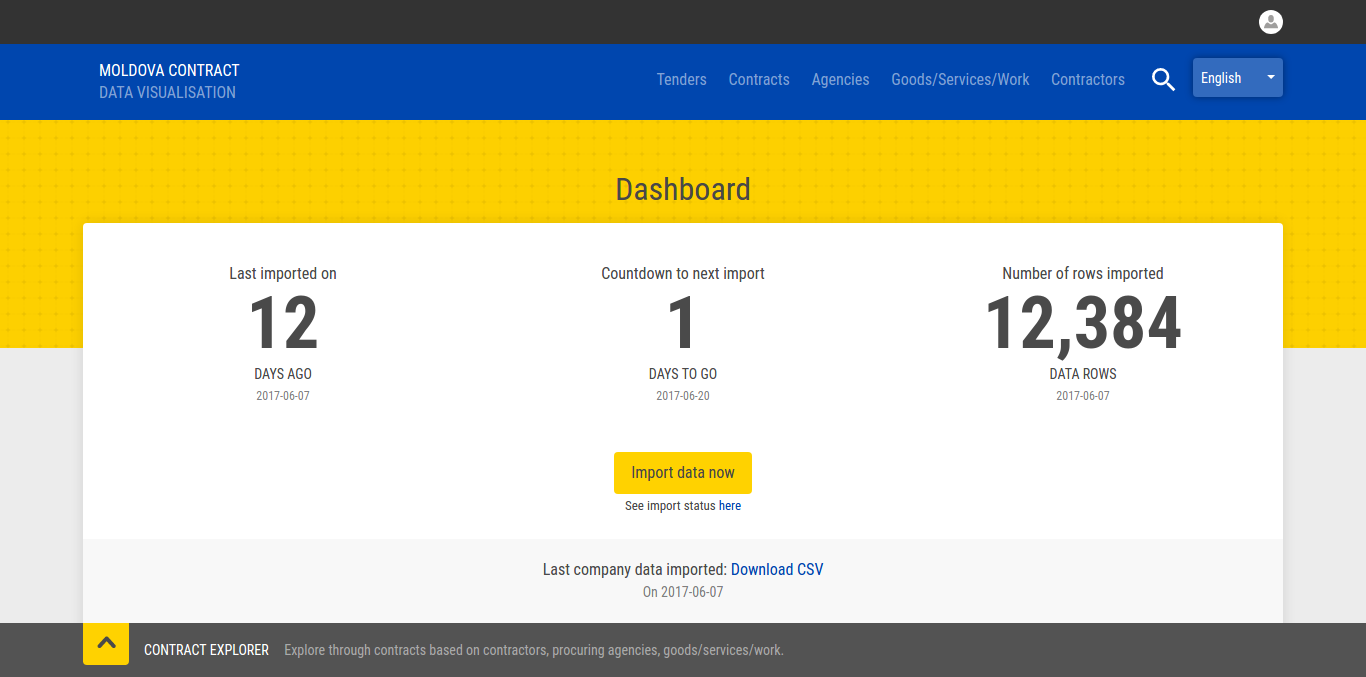
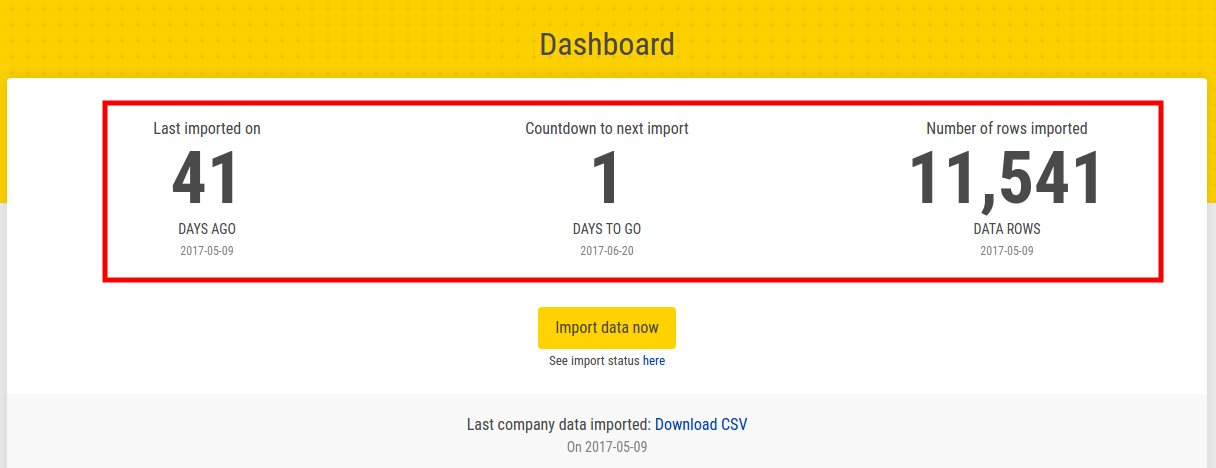
- 'Last Imported On' section shows the number of days before it has imported the data from the DAAC
- 'Count to the next import' section shows the scheduled date for importing data
- 'Number of rows imported' section show the total rows fetched from the DAAC
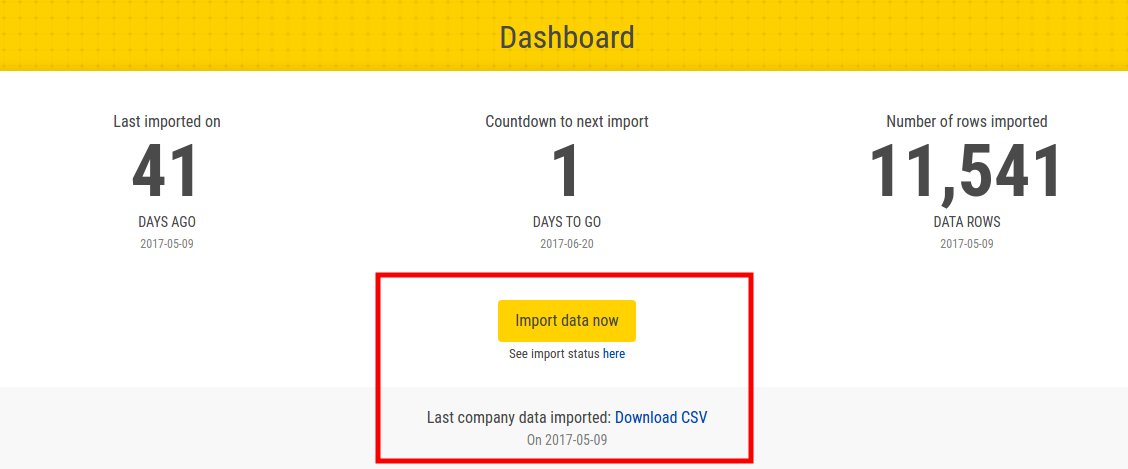
The entire data of this portal can be downloaded in json format by clicking on 'Import data now' button. You can see the import status of the data by clicking on 'import status' below the 'Import data now' button.
-
Company Details: You can upload the company details from this section. The data should be in excel format.
-
Blacklist Contractors: You can upload the blacklist contractors from this section. The data should be also in excel format
Detail guide for importing company details and blacklist contractors, can be found here
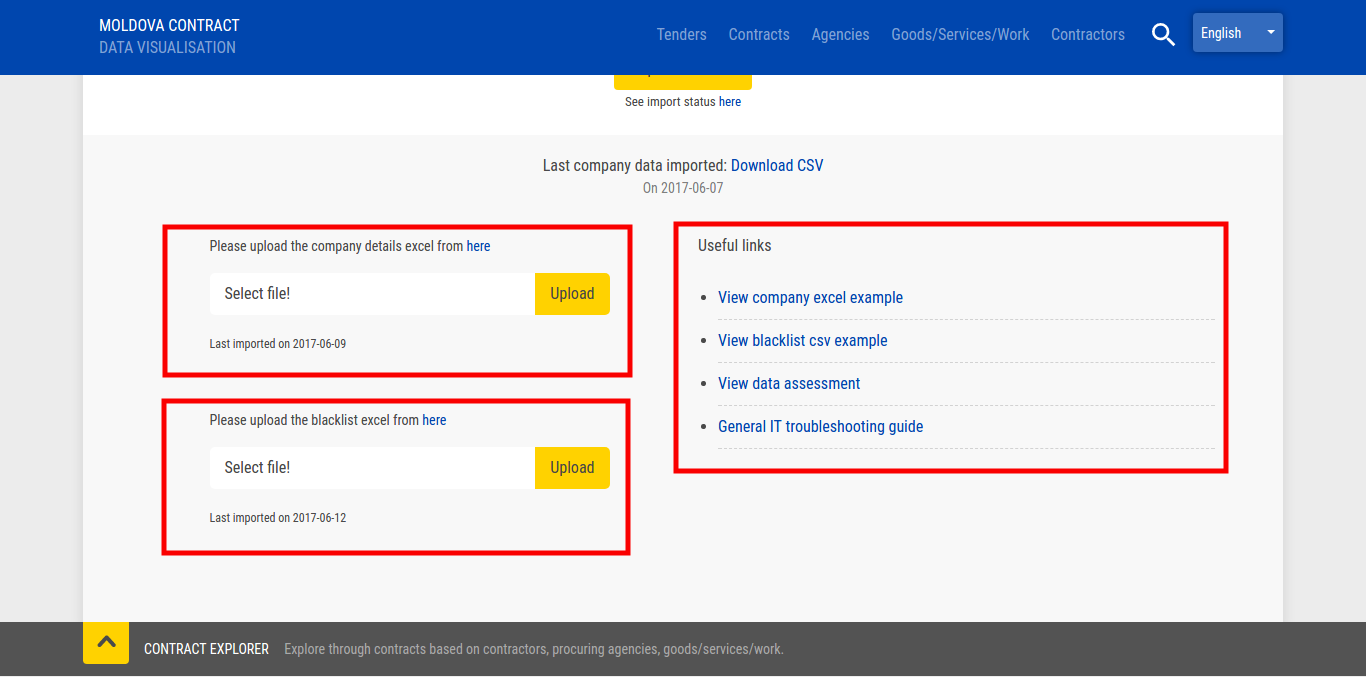
This section provide some helpful links such as troubleshooting guides, company and blacklist excel example, etc