Project for CS-490
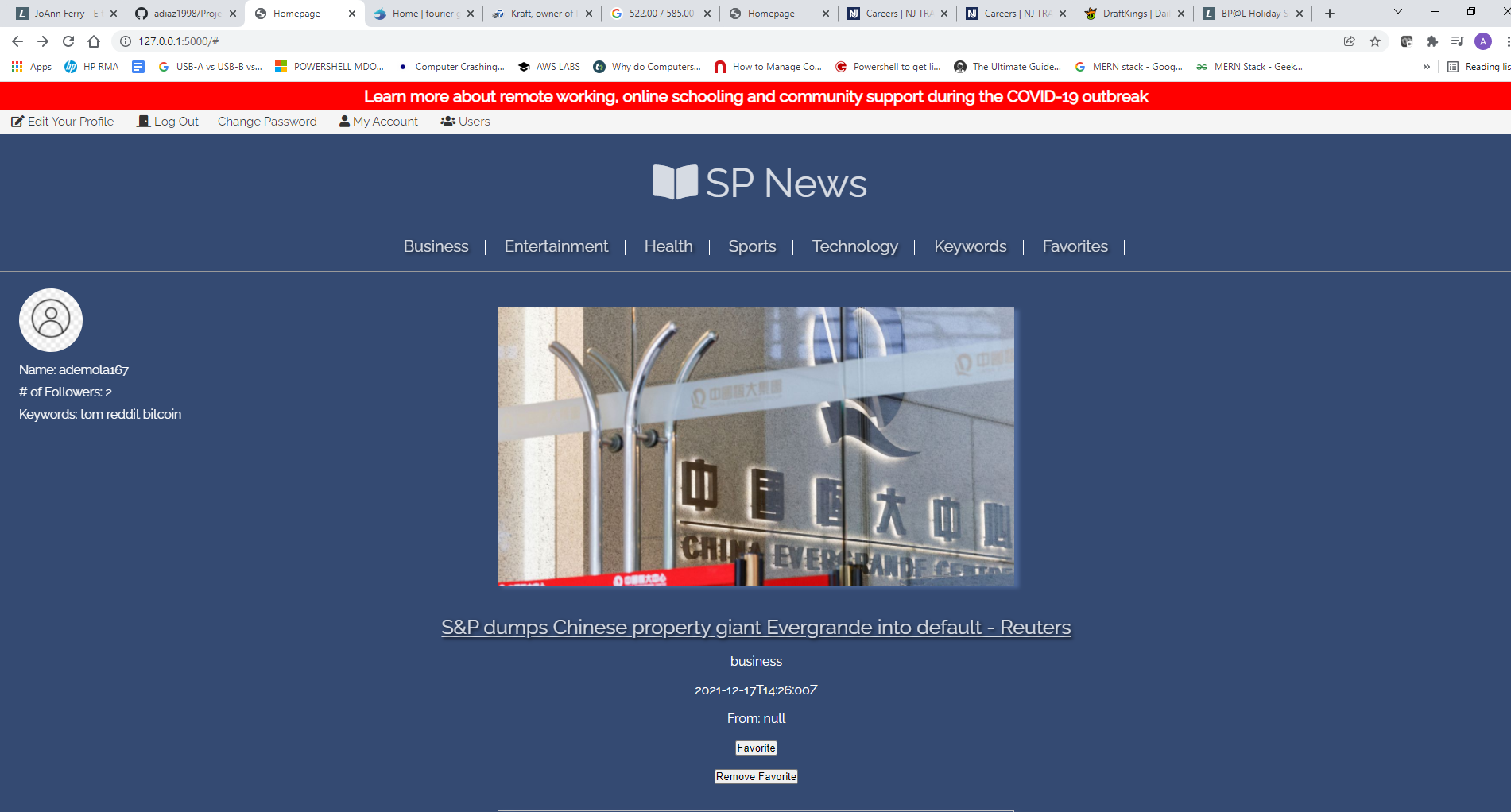
SP News was developed for serving as a personal news app in which users from all parts of life can partake in viewing news articles of their preferenced categories throughout their day.
SP News utilizes an API from newsfeed.api for content delivery. Our application offers several article categories consisting of: Business, Entertainment, General, Health, Science, Sports, and Technology.
-
For those of you that do not read articles in one-go, fret not, users can favorite articles to return to at another time. (Favoriting an article allows the article to remain permanently on a users newsfeed).
-
Users can follow other users who are utilizing the application, and also view which articles are the hottest at the moment.
-
Users can input keywords to see articles of their favorite topics.
-
Users can view images of articles without having to go to the article website.
- Step 1: Install any IDE of choice (pycharm or VS code preferably)
- Step 2: Install any versions of Python 3.8 and up
- Step 3. Open up your IDE and ensure you have Python selected as your interpreter
- Step 4. Once you've opened your IDE, make sure you can view your terminal. Type in 'py -m venv virtualenvironment'. You have now installed an virtual environment for development, and can clone the 'main' branch above into your local drive for development.
- Step 6. Install all the packages listed within the 'requirements.txt' file to your virtual environment.
- Step 7. Run the 'main.py' file to get the server running. Walah.
Most of you will already have steps 1 and 2 completed--if that is the case, you can skip those two steps.
MySQL Server, MySQL Workbench
HTML, CSS, Vanilla JS, JQuery, Jinja
Python(Flask), Apache, Linux, Docker
Python, Docker
AWS RDS
GitHub Free
Special thanks to Alan Diaz, Adam Asimolowo, Segun Ajibade, and Brandon Morales.
This project will be continously improved on after submission date by:
- Alan Diaz
- Adam Asimolowo
- Segun Ajibade
- Brandon Morales
Authored by: Adam Asimolowo