
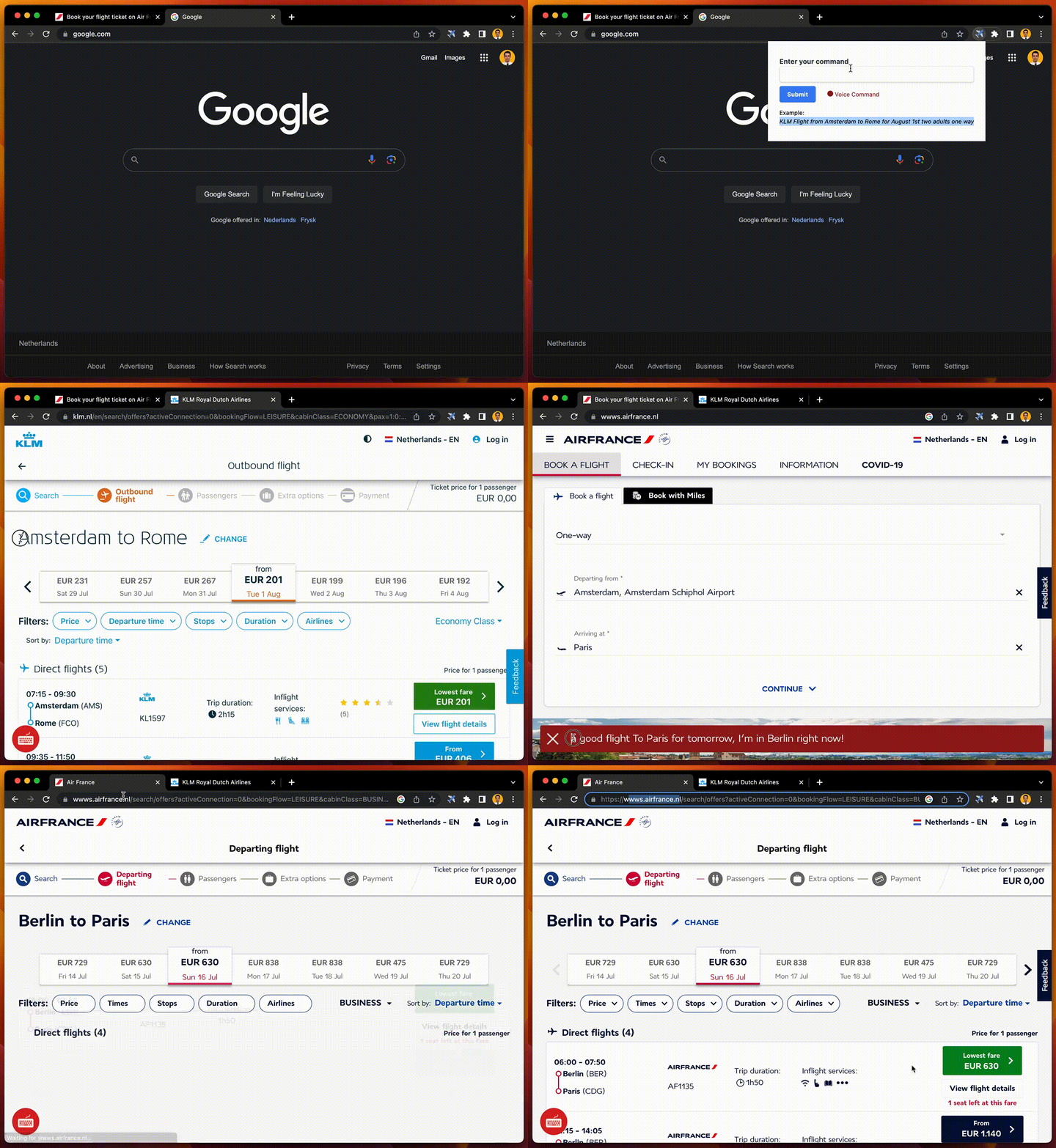
This extension adds a UI to the supported air carriers(right now only: KLM, AirFrance and QatarAirway) so you can type the flight you desire instead of filling a form.
- OpenAi API
- Bun
- Angular
- Typescript
- Webpack
- Make sure you have Bun installed for running the server
- Clone the repository
- In the
serverdirectory make a.envfile using the given.env.example - Generate a
openaiapi key using this link and put it in the.env>OPENAI_API_KEY - Install the packages using
yarn installornpm install - Run the server using
yarn startornpm run start
Since this extension is not deployed on the google play, the only method to add it to the chrome browser is by adding it manually
- Open the
extensiondirectory in your terminal - Install the packages using
yarn installornpm install - Run
yarn buildornpm run buildto generate adistfolder - Open
chrome://extensionsin your browser - Press
Load unpackedbutton - Select the
distfolder in the dialog
- Voice command
- More air carriers